Alma is a superb SIS that serves our school better than any previous platform. As a unique and innovative school, we have been able to customize the platform to fit our needs–from proficiency grading and report cards to internal reports and external messaging. The customer service is always tremendously responsive and helpful. Ten out of ten, would recommend.Director Of Academics — John L,
See what’s coming.
Not just what happened.
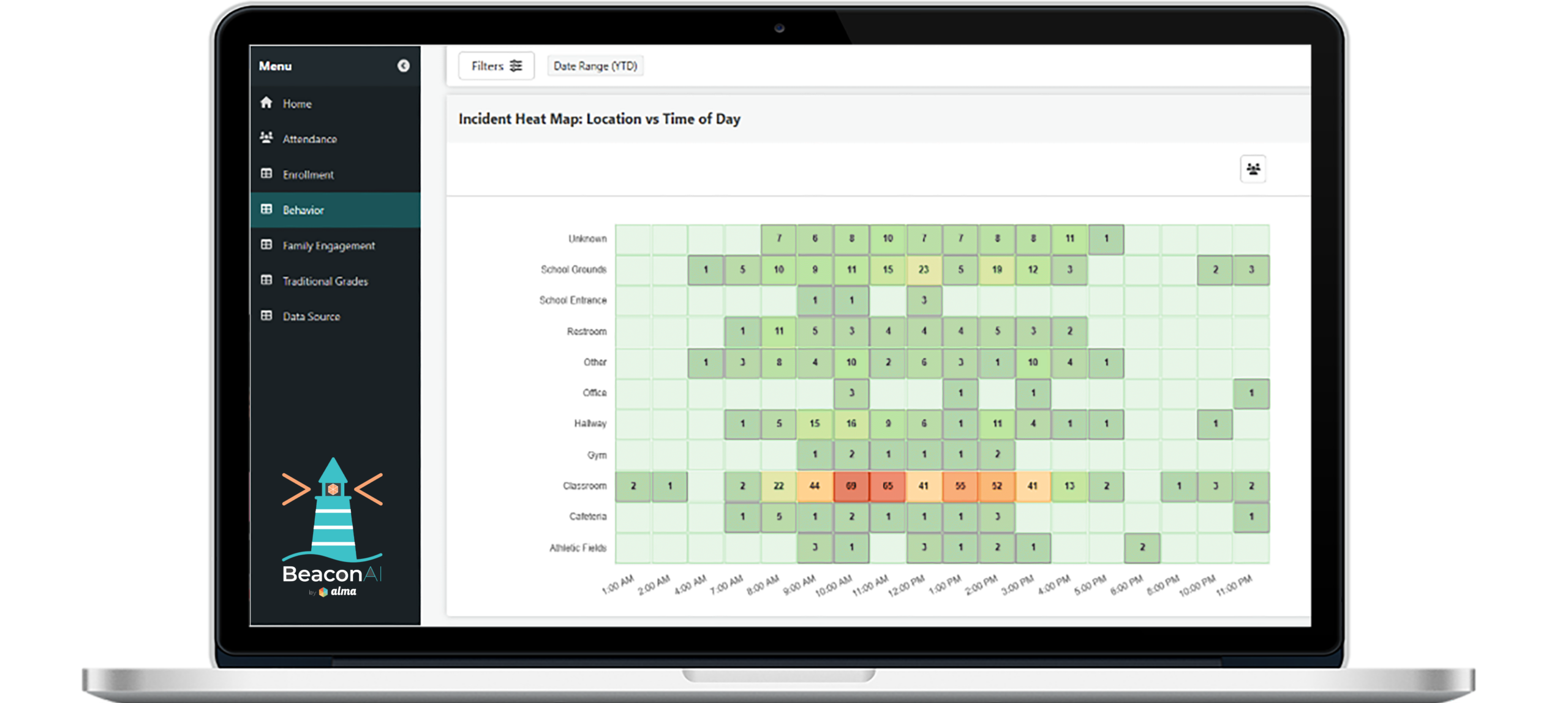
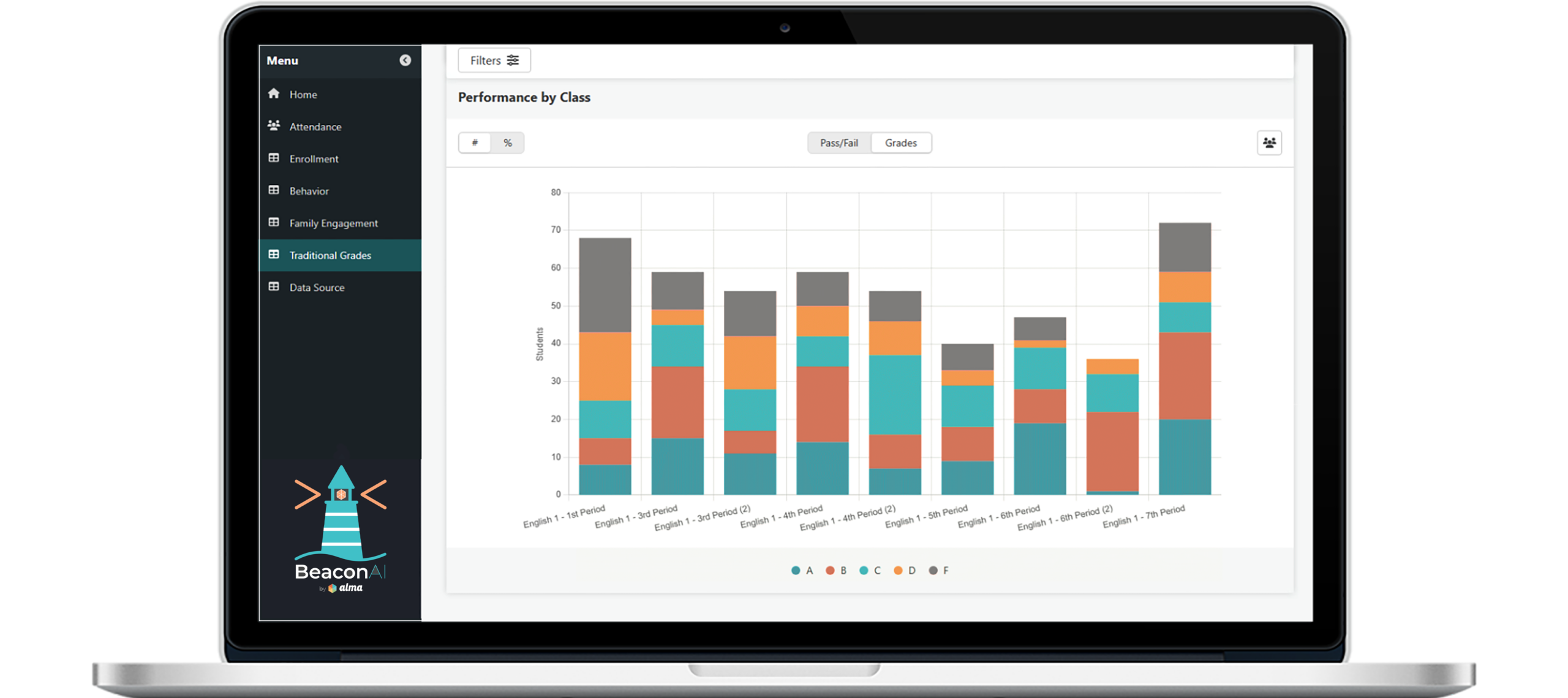
Built directly into Alma, BeaconAI turns the student data your teams already rely on into clear, consistent views across attendance, enrollment, grading, family engagement, and behavior. Spot patterns earlier. Align faster. Act with confidence.
EXPLORE BeaconAI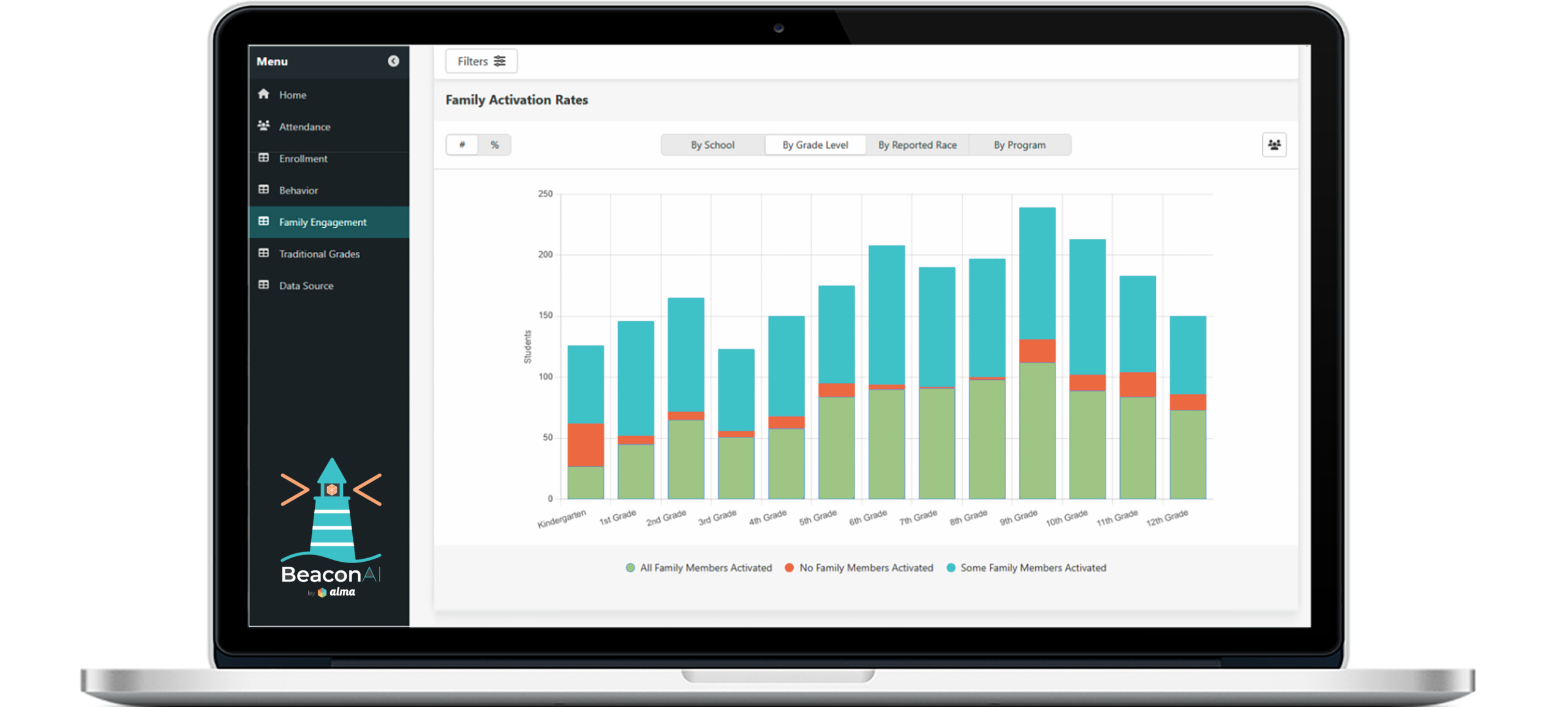
Alma is built for educators, by educators, and loved by communities
“
”
Our transition from our previous vendor was a breeze thanks to the assistance from Alma staff, and they are very responsive when it comes to changes in state reporting. The support team is always great to work with. The Spreadsheet Data Editor is a great feature that makes a lot of tasks easier.Technology Director — Mike O
Pleasant, would recommend to colleagues in search of a new SIS.Technology Coordinator — Justin H
Excellent. Implementation folks have been great.Academic Advisor — Kevin L
Great and communicative. They really know their clients.IT Coordinator — Frank S
Although we’re still on the learning curve, it’s been a very positive experience.Assistant Principal — Tim S
We are going on our second year with Alma SIS, and I am pleased with it. Alma is very user friendly and the tech support is great.Admin Assistant — Chastity K
Five stars. I work with report cards and transcripts. Our families love the electronic report cards sent right to their email for their convenience.Guidance Secretary — Linda B
Overall, our experience has been great. Nothing makes a difference more than an awesome Customer Support Team, and Alma’s is beyond compare.Registrar & Admissions — Kyra Y
It’s fantastic. I can check the report and study progress not only for this year, but many years ago. I can see students’ progress for other subjects also, which helps me have an overall vision and understanding of each student’s study condition.Secondary Teacher — Yi L
Friendly and effective customer support.Head Of Scholars & Systems — Bill S
We really like the software and it meets our needs at the elementary level. Their customer support is excellent.Principal — Tom J
I was astounded by the amount of support I have received from Alma in setting up, using, and expanding our use of the programs. They meet the needs of our school and help us learn how we can use Alma to its full potential.Technology Coordinator & Teacher — Patrick B
I love how user friendly the software is and how all the information I need is in the same place.Social Studies Teacher — Sophie M
It is an effective tool for keeping and accessing records, communicating with students and teachers, and recording grades.Teacher — Jennifer D
Overall this has been a fine program to use.Teacher — Gregory W
Positive overall.Educator — Lea Ann J
I have had a great experience with Alma SIS. The system is incredibly user friendly, with a modern and intuitive interface. I have found several features to be incredibly helpful, including the ability to easily track student progress and quickly access student data.Software Researcher — Arnab D
Overall I have been very happy with Alma. It is easy to use and any questions or concerns that we have had have been addressed and answered in a timely manner.Principal — Emily M
Great. I love their customer service and speed of response.Educator — Kimberly S